
The safest places to keep important documents depend on balancing accessibility with security—and that balance looks different depending on what you’re storing. For irreplaceable items like birth certificates, social security cards, property deeds, and pension plan documents, a home safe bolted to the floor or a bank safe deposit box offers protection against theft, fire, and water damage. For frequently needed documents like insurance policies or financial statements, a locked filing cabinet at home or a digital repository may be more practical. A retiree managing pension distributions, for example, needs quick access to plan statements and beneficiary documents but doesn’t want to risk losing them to a house fire.
The core problem is that no single storage method works for everything. You need a system that matches each document’s importance, how often you need it, and what you’re protecting it from. Many people make the mistake of storing everything in one location—usually either a kitchen drawer or a safety deposit box—and then discovering too late that the arrangement doesn’t fit their actual needs. Others keep originals in multiple places without tracking where, leading to confusion when they need a specific document quickly. This guide walks through the options available to you, the tradeoffs involved, and how to build a document storage plan that won’t leave you scrambled during an estate settlement, insurance claim, or financial emergency.
Table of Contents
- Home Safe vs. Bank Safety Deposit Box—Which Storage Option Is Right for Your Documents?
- Digital Storage Solutions and Their Limitations—Why Scanning Is Not Enough
- What to Store in Each Location—Dividing Documents by Access Frequency and Permanence
- Creating an Inventory and Tracking System—How to Know What You Have and Where
- Digital Security Concerns and Password Management—Protecting Access Without Losing It
- Special Considerations for Pension Documents and Retirement Benefits
- Planning for the Unexpected—Digital Legacy and Succession Planning
- Conclusion
- Frequently Asked Questions
Home Safe vs. Bank Safety Deposit Box—Which Storage Option Is Right for Your Documents?
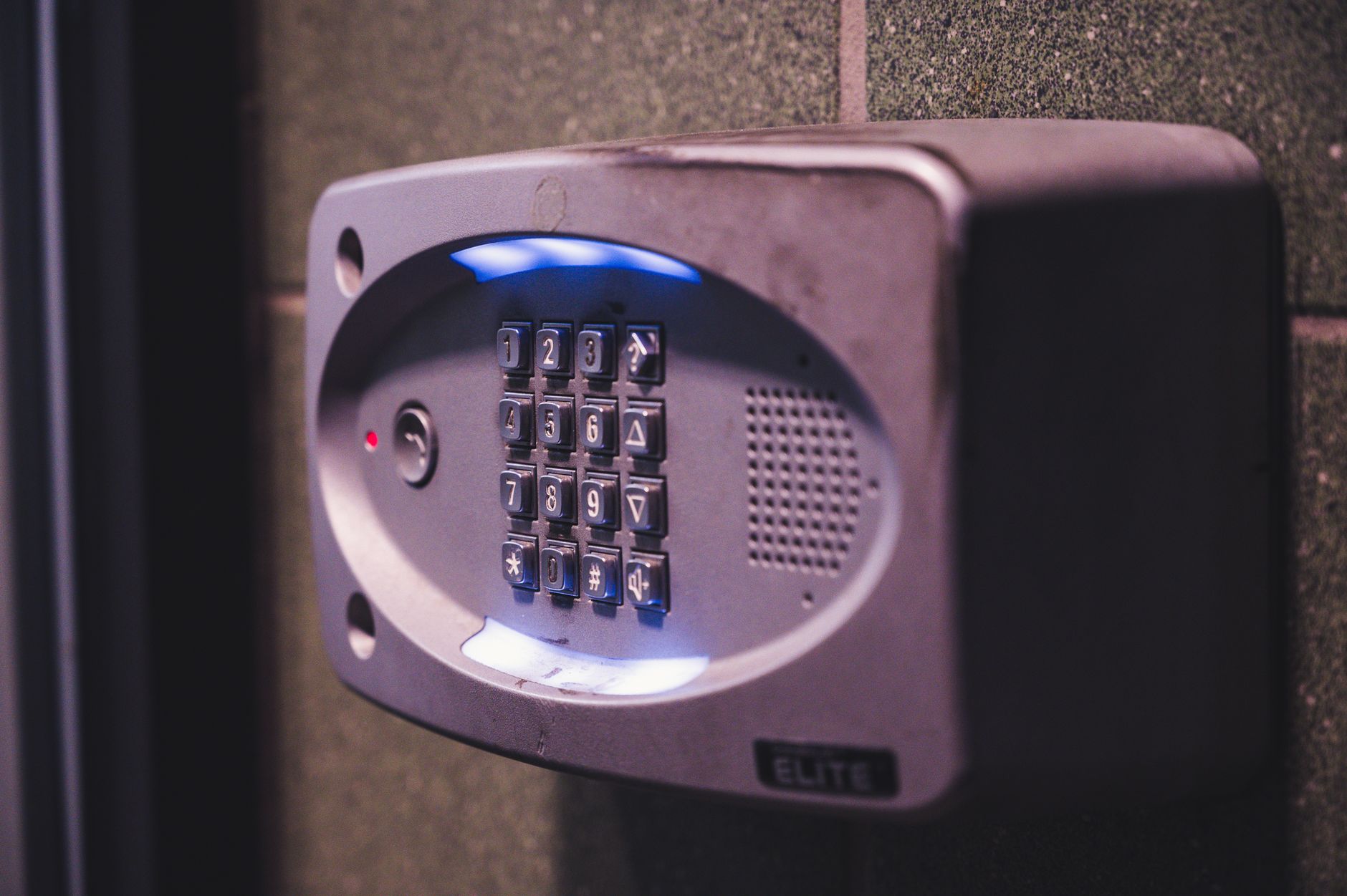
A home safe and a bank safety deposit box each solve different problems. A home safe gives you immediate access whenever you need it. You can retrieve your pension plan documents at midnight if you’re reading through the fine print on a distribution decision, or pull your home inventory list while filing an insurance claim. A small fireproof safe, bolted to the floor or wall, costs $200 to $800 and protects against theft and common household fires. The downside is that no home safe is truly theft-proof if a burglar has time and tools—it’s a deterrent more than a guarantee. A bank safety deposit box, typically costing $30 to $300 per year depending on size, offers better security against theft because it’s stored in a vault.
It’s also protected against fire and flood in a way a home safe may not be. Banks have insurance on the contents in many cases, and the box sits behind multiple layers of protection. However, accessing your box requires a trip to the bank during business hours, and in some cases you may face delays if the bank is closed for a holiday or if there’s an issue with your account. Additionally, banks have been known to drill open boxes and sell contents to cover unpaid fees, and not all states limit these charges. For pension and retirement documents, this comparison matters. If you need to verify a distribution amount or check a beneficiary name, the home safe’s convenience wins. If you’re storing an original promissory note, deed, or other title document that you won’t need frequently but must protect at all costs, the safety deposit box is the better choice.
Digital Storage Solutions and Their Limitations—Why Scanning Is Not Enough
Storing digital copies of important documents has become easier with cloud storage services like Google Drive, Dropbox, and OneDrive, and many people assume that uploading a PDF of their pension statement to the cloud is sufficient. It’s not. A digital copy is invaluable as a backup and for quick reference, but most states require original documents or certified copies for legal proceedings, insurance claims, or estate administration. Scanning your deed, will, or beneficiary designation forms gives you a searchable record you can access from anywhere, but it doesn’t replace the original. The bigger risk with digital-only storage is account access after you’re gone or incapacitated. If your digital files are the only copies and your login credentials are sitting in that same account, your executor or family members may have no way to retrieve them—or it may take weeks of legal back-and-forth with the cloud provider to prove they have the right to access your account.
Many people store passwords in plaintext files in their email or cloud accounts, which works until those accounts are locked down or compromised. A stronger approach is to keep originals in a safe location and treat digital copies as a convenience layer for daily reference. Another downside: cloud storage can change terms of service, access policies, or even shut down. Google has shut down services before, and a company’s bankruptcy could theoretically affect your data. For the price of a couple of coffees per month, you’re betting that the company stays in business and your data stays accessible. Most of the time this works fine, but it’s not a guarantee. For pension-related documents that may be decades old, relying on a service that didn’t exist ten years ago is a higher risk than storing paper originals.
What to Store in Each Location—Dividing Documents by Access Frequency and Permanence
Not all important documents are created equal. Create a three-tier system: keep originals in a bank safe deposit box or home safe, keep scanned copies in a secure digital location, and keep frequently needed documents in a locked cabinet for easy reference. Original documents that belong in a safe deposit box or home safe include: birth certificate, marriage certificate, divorce decree, social security card, property deed, vehicle title, will or living will, power of attorney document, life insurance policy original, pension plan document with beneficiary designation, military discharge papers (DD-214), and any document that states a legal right, claim, or ownership. These rarely change and you’ll seldom need them, but when you do, having the original matters for legal purposes. If you’re a pension beneficiary in a long-term distribution, keep the original beneficiary designation document in secure storage, not in a file folder at your home office.
Documents worth keeping in a locked home cabinet include: recent tax returns (7 years), bank statements (one year), insurance policies and coverage summaries, healthcare directives and medication lists, a list of all your financial accounts with usernames and contact information for customer service, pension distribution statements from the past two years, and a list of who to contact in case of emergency. These are things you might need to reference within the month, but probably not every day. A locked filing cabinet keeps them organized and out of casual view, which protects against identity theft and reduces distraction if you’re moving or dealing with houseguests. Scanned or digital copies should live in a password-protected folder in your personal email or a private cloud folder, not a shared folder. Create a simple naming convention so you can find “Pension_Beneficiary_Designation_2024” without scrolling through a hundred files. Share access to this digital vault with your spouse or a trusted family member who might need to step in if you’re incapacitated, but don’t broadcast the link publicly.

Creating an Inventory and Tracking System—How to Know What You Have and Where
The best document storage plan fails if only you know where everything is. Write down a complete list of what you’re storing, where each item is located, and who has access to each location. This inventory should include: document name, original location, digital backup location (if any), why it matters, and who needs to know about it after your death. For a retiree, this list is as important as the documents themselves because your heirs or executor will likely need to find things quickly, and searching every locked box in your house is time-consuming and stressful during a crisis. Store this inventory in multiple places. Keep one copy in a locked drawer that a trusted person knows about (for example, a letter to your spouse or adult child that says “my important documents are in the safe deposit box at First National Bank in the safety box numbered 1247”). Keep a second copy in your safe deposit box.
Keep a third copy in a digital folder that you’ve shared with your executor. This redundancy might seem excessive, but it prevents a single point of failure. If you have a fire that destroys your home safe and the letter is also destroyed, your executor won’t have to hire a detective to figure out where your house deed is. Update this inventory every time something changes. When you move insurance providers, update the entry. When you open a new retirement account, add it to the list. When your beneficiary designations change, note the date. This is less about obsessive documentation and more about preventing the scenario where someone has to piece together your financial and legal life from credit card statements and tax returns.
Digital Security Concerns and Password Management—Protecting Access Without Losing It
If you store documents digitally, you face a paradox: a password-protected folder is safer from theft, but a complicated password system is risky if you die or become incapacitated and nobody can get in. Some people try to solve this by writing passwords down and putting them in their safe deposit box, which defeats the purpose of password protection. Others keep a master password in a sealed envelope with their will, but if that envelope is lost or misfiled, the digital documents become inaccessible. A practical solution is to use a password manager that your executor or family member can access. Services like Bitwarden or 1Password allow you to designate an emergency contact who can request access to your vault if something happens to you—the service sends a notification, gives you time to deny it, but grants access after the waiting period if you don’t respond.
This is more secure than writing passwords on sticky notes and better than hoping someone guesses your email password to get into your cloud drive. Set this up now, while you’re thinking about it, rather than assuming family will figure it out later. A warning: never use the same password for every account, and never use a password containing personal information like your birth date or your pet’s name. Scammers who gain access to one account (through a data breach at a retailer or a phishing email) will use that same password to try to access your email, financial accounts, and cloud storage. If someone breaks into one account, they can use password recovery features to get into everything else.

Special Considerations for Pension Documents and Retirement Benefits
Pension plan documents deserve special attention because they determine who receives your money after you’re gone. If you have a pension from an employer, you should receive a plan document that outlines the pension amount, the payment schedule, and your beneficiary options. This document often includes a section on what happens to your pension if you die—some pensions offer survivor benefits to a spouse, others end when you do. The beneficiary designation form you complete is legally binding in most cases and overrides what’s in your will, so get it right and store it where it won’t be lost.
📨 Get Free Medicare Guides Alerts
Free · No spam · Unsubscribe anytime
Many people receive a thick pension plan document once when they retire and never look at it again, then store it in a random drawer or throw it away to save space. This is a mistake. If there’s ever a question about your benefits or a dispute about survivor benefits after your death, the original beneficiary form is the evidence that settles the question. Your family shouldn’t have to contact the pension administrator and request a copy when you already have the document at home. Store the original in your safe deposit box or home safe, keep a scan on your computer, and keep the beneficiary contact information (the pension office phone number and your account number) in your frequently-accessed files.
Planning for the Unexpected—Digital Legacy and Succession Planning
Modern retirement often means managing accounts, documents, and passwords across dozens of services. A person in their sixties might have a pension, social security, a 401k, savings accounts at two banks, an IRA at a brokerage, health insurance, life insurance, property deed, vehicle registration, and memberships to various loyalty programs. Each of these may be administered by a different company, and each requires access credentials. If something happens to you suddenly, your family will be navigating a confusing landscape of logins and account numbers.
The trend in estate planning is moving toward “digital legacy” planning—essentially, an organized handoff of all your digital assets and credentials. This is where your document storage system connects to your estate plan. You’re not just storing your pension beneficiary designation; you’re creating a map that shows your executor where your pension is, who manages it, and what to do next. Over the next decade, more of this information will live in digital vaults and fewer people will store filing cabinets full of paper. But the principle remains the same: make it easy for someone else to find what they need and execute your wishes.
Conclusion
Where to keep important documents doesn’t have a one-size-fits-all answer, but the principle is straightforward: originals of irreplaceable, infrequently-needed legal documents belong in a bank safe deposit box or bolted home safe, digital copies belong in secure cloud storage with access granted to your executor, and frequently-accessed documents belong in a locked cabinet at home. Pair this storage system with a clear written inventory that you share with a trusted person and update regularly. For retirees managing pension benefits, this means the original beneficiary designation form and pension plan documents should be in your safe deposit box or home safe, not mixed in with your monthly statements in a desk drawer.
The time to set up this system is now, while you’re thinking about it and while you’re around to explain where everything is. Too many people leave this task for their heirs to figure out after a sudden death or incapacity, turning an already stressful situation into chaos. Spend a few hours organizing your documents, taking photos or scans of them, writing an inventory, and sharing access information with your executor or a trusted family member. It’s one of the most practical things you can do for your family.
Frequently Asked Questions
Should I keep my social security card in a safe deposit box?
Yes. Most of the time you don’t need the physical card, and you should never carry it in your wallet—you’ll only expose it to theft or loss. Keep the card in a safe deposit box or home safe and memorize your social security number. If you ever need to prove your number for a financial account or application, your written records or the Social Security Administration can verify it without the card.
What happens to documents in a safe deposit box if I die?
Your executor may need to get a court order to access the box, or the bank may require a death certificate before allowing anyone inside. This process takes time and varies by state. It’s another reason to maintain a duplicate set of important documents elsewhere and to tell your executor where your safe deposit box is located.
Can I store my will in a safe deposit box?
Yes, but some states advise against it because the will is sealed in the box until a court order opens it, which delays the probate process. A better approach is to store the original will with your attorney (if you used one), or keep it in your home safe with a copy in your safe deposit box and tell your executor where to find both.
Is it safe to store documents in Google Drive or Dropbox?
Reasonably safe from theft and hardware failure, but not a substitute for originals. These services are good for scans and backups. Make sure two-factor authentication is enabled on the account and that your executor knows how to access it if needed.
How often should I update my document inventory?
At least once a year, or whenever you make a major change like a move, new beneficiary, marriage, divorce, or new financial account. You might also review it after discussing your estate plan with an attorney or financial advisor.
What if I don’t have a safe deposit box or safe at home?
A locked filing cabinet in a bedroom closet offers basic protection and is better than leaving documents in a desk drawer. For the most important items, open a safe deposit box at your bank. The yearly cost is minimal compared to the risk of losing an irreplaceable document or having it stolen.
You Might Also Like
- Working with Multiple Advisors
- Why Your Will Doesn’t Override Beneficiary Forms
- When Plans Don’t Work Out